Product
Features
Chat
Secure messaging with clients and team
Scheduler
Let clients book time with you
Dashboards
Personalised hubs for clients and staff
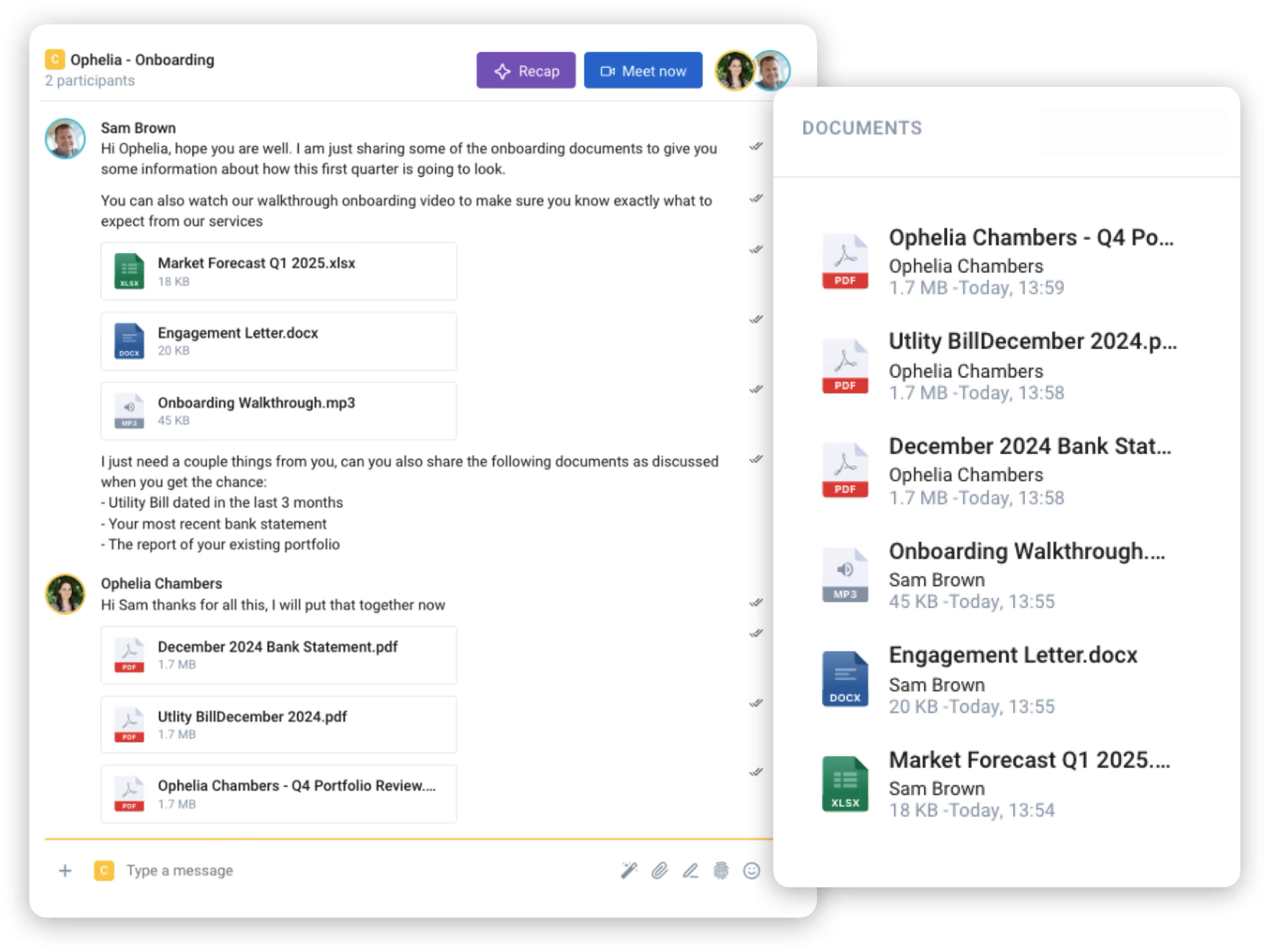
Document Sharing
Send and request files securely
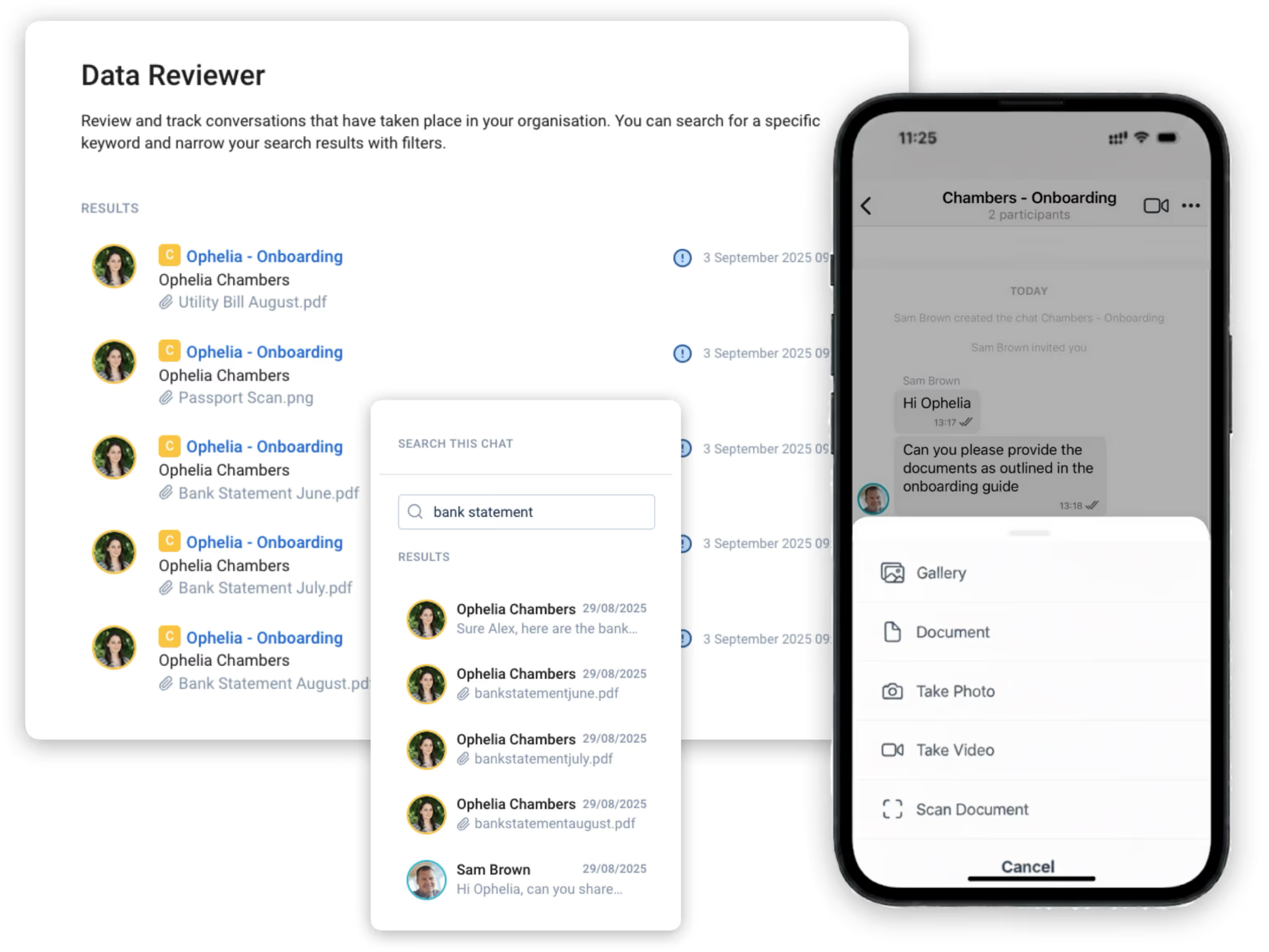
Audit Trail
A permanent, searchable record
Customisation
Your brand, logins and look
E-signatures
Sign documents inside the chat
Broadcasts
One-to-many updates and alerts
Admin & Control
Permissions, MFA and onboarding
Video Calling
Secure calls in one click
AI
Save admin time with Qwil AI
Notifications
Push alerts and out-of-office
Integrations
Wealthbox
Plannr
intelliflo
More integrations
See how Qwil looks for Clients
A quick tour of the full client experience using Qwil.
Contact Us
Help Centre
Downloads
Blog
Solutions
Use Cases
Financial Services
Advisers, wealth and finance firms
Healthcare
HIPAA-ready patient messaging
Legal Services
Private, privileged client communication
Accounting
Secure collaboration with clients
Real Estate
Documents, signatures and viewings
Hospitality
Guest and team communication
Enterprise
Secure communication at scale
Networks
Connect partners and clients
Comparisons
Qwil vs CurrentClient
Qwil vs WhatsApp
Qwil vs MyRepChat
More comparisons
Client stories
"It's amazed me just how quickly it's been adopted by clients in their 70s and 80s."
Mulberry Bow Financial Advisors
"It's been light years ahead of what we were using before"
Raymond Carota, Carota Wealth Management
More Client Stories
Contact Us
Help Centre
Downloads
Blog
Enterprise
Pricing
Resources
Resources
Comparisons
See how Qwil compares
About Us
Why we built Qwil
Partner Program
Earn as a Qwil affiliate
Support
Guides, live chat and help
Case Studies
How firms use Qwil
Multi-Tenant
Many organisations, one login
Integrations
Connect your CRM and tools
Security & Privacy
Certifications and compliance
Legal Policies
Terms, privacy and policies
More Links
Why Qwil?
What's New?
Security Whitepaper
System Status
API Documentation
Contact Us
Help Centre
Downloads
Blog
Log in
Get Started
See Demo
Get Started
Scheduler
Schedule meetings effortlessly and securely
Let clients and colleagues book time with you directly, reducing back-and-forth and keeping every appointment synced and protected.
Meetings Booked Your Way
Multiple event types
Create multiple meeting types with different details to suit every need.
Flexible meeting details
Set meeting lengths, intervals, and horizons to fit your schedule perfectly.
Profile meeting links
Add a bookable link to your profile so clients and team can schedule anytime.
Connect Anywhere, Anytime
Connect to any conferencing tool
Attach a meeting link from any video platform so attendees can join effortlessly.
Share links seamlessly in chat
Send meeting links directly in secure chats as easily as sending a message.
Calendar integration
Sync Qwil with Google or Outlook calendars to keep all your appointments organised.
See How Scheduling Works in Qwil
Start your 30-day free trial
Secure your client communications now.
Thank you! Your submission has been received!
Oops! Something went wrong while submitting the form.
No credit card required
Cancel anytime
×